Introduction
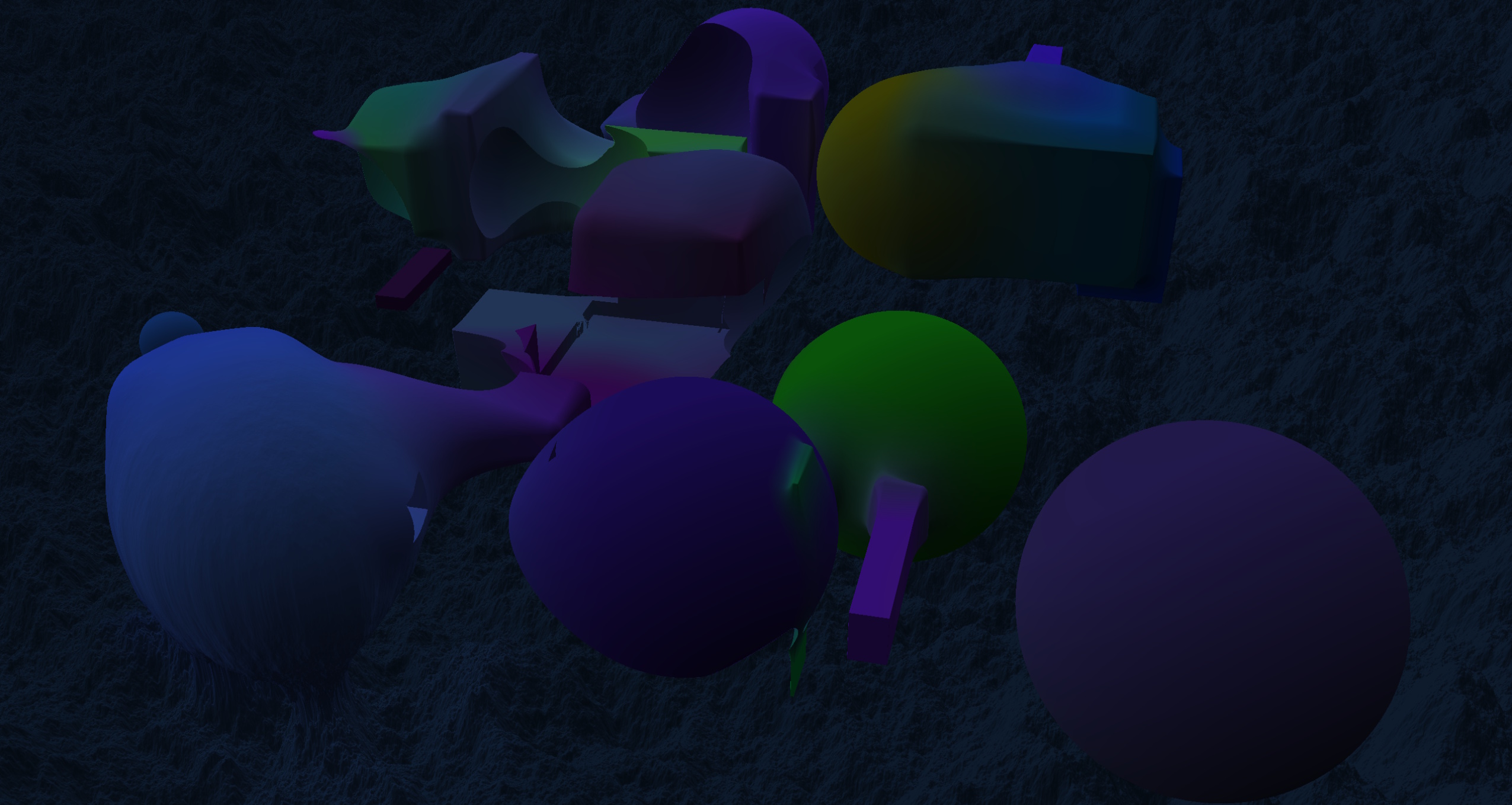
For my specialization project at The Game Assembly I set out to create a real time SDF renderer. A friend of mine showed me a video of someone making an entire game engine using only signed distance functions (SDF), which caught my interest and made me want to try it out. It’s uncommon in games due to both its performance cost along with how different it is to create assets for than traditional mesh rendering. My main goal was mostly to try it out and attempt to make an SDF renderer as optimized as I possibly could in the time allocated for the project.
What is SDF?
A signed distance function is a mathematical function that takes a point as input and returns the distance to a shape’s surface. The “signed” part means the distance is negative if the point is inside the shape and positive if it’s outside. Below is an example of what a sphere’s SDF would look like in HLSL:
float SphereSDF(float3 aPoint, float aRadius)
{
  return length(aPoint) - aRadius;
}
These distances are then used for rendering by using raymarching. Raymarching works by finding the distance of the closest surface and then marching along the ray that distance to then sample the scene again. This is done iteratively until the distance falls within a threshold to be counted as a hit. Below is an interactive demo showing this process in action:
Project Setup
As an engine I decided to use my project from our old graphics course. I decided to do this mostly to minimize bloat as I knew most logic would happen in a shader and I would still need to make my own rendering pipeline. The first few days of the project was mostly spent ripping out old mesh based code and replacing the pipeline with just a fullscreen quad output from a vertex shader going into a pixel shader doing all the raymarching.
Performance
I knew before even starting that performance would be a big issue since for every ray’s scene sample many complex math functions would be calculated each frame. One major optimization I implemented was to use a 3D texture as a brickmap to cache previously calculated values to be able to sample the brickmap instead of recalculating all SDFs. To be able to increase the render distance without consuming too much memory I used multiple brickmaps stacked on top of each other with increasing size but decreasing resolution acting as LOD for objects farther away.
(Brickmap cells colored and size exaggerated for demonstration)
SDF Operations
One of the things that really interested me with SDF is the flexibility you get with SDF operations due to SDF being purely mathematical functions. SDF operations work as sort of filters to the calculations and can be used to create unique effects that wouldn’t really be viable when using traditional rendering methods due to the performance cost of rebuilding meshes. The three operations I decided to implement were unions, subtractions and intersections.
Union
A union is defined by the minimum distance of two shapes resulting in them combining into one. This is the most common operation as the entire scene could be viewed as one big union.
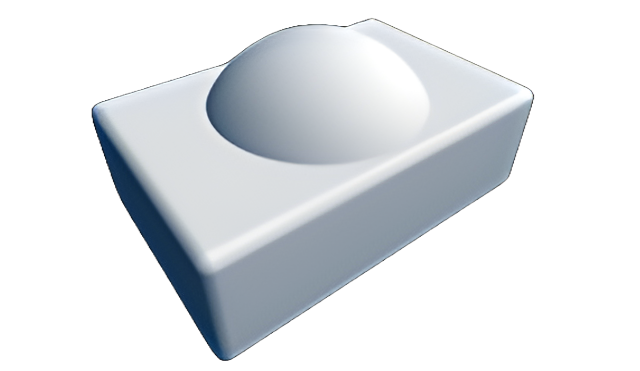
min(a,b)
Subtraction
Subtraction can be used to remove volumes from shapes. It can be thought of as creating a hole in the shape of one SDF in another.
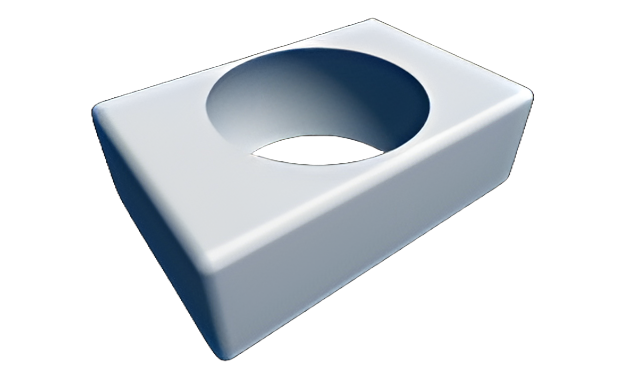
max(-a,b)
Intersection
An intersection only shows the part where two shapes intersect. This is something I implemented but ended up not using as most things didn’t intersect so it made most of the scene invisible.
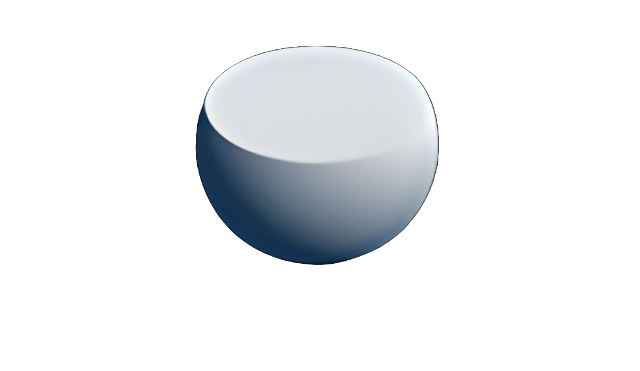
max(a,b)
(Drag shapes to reposition)
Geometry Rebuilding
One big advantage with SDF rendering is the low cost of geometry rebuilding you get in exchange for the cost of rendering. A popular effect is to use a smooth min instead of a normal min function when doing the different SDF operations. This is a very cheap effect that creates a sort of “blobby” look to the scene and was the first thing I decided to implement. Since the output of SDFs is just a single float it can be transformed however needed to achieve any desired effect. Below are some examples of simple effects you can apply to either individual objects or an entire scene.
Smoothing
Ripple Effect + Smoothing
Wrapping the sample point
Bending the sample point
Results
I’m very happy with how the optimizations turned out, caching the distances inside the brickmap was really interesting to work with and I learned a lot about unordered access views! If I had more time I would have really liked to get rid of some occasional rendering artifacts as well as being able to have more objects in the scene at the same time without it lagging too much. I considered implementing quad trees to optimize distance checking but I don’t think I would have had the time. It would also have been nice if there was some sort of hierarchy/editor or something similar to be able to place and manipulate shapes in a more visual way. In general I’m very satisfied with the project and I think it was very fun to work on as well as a great learning experience!